
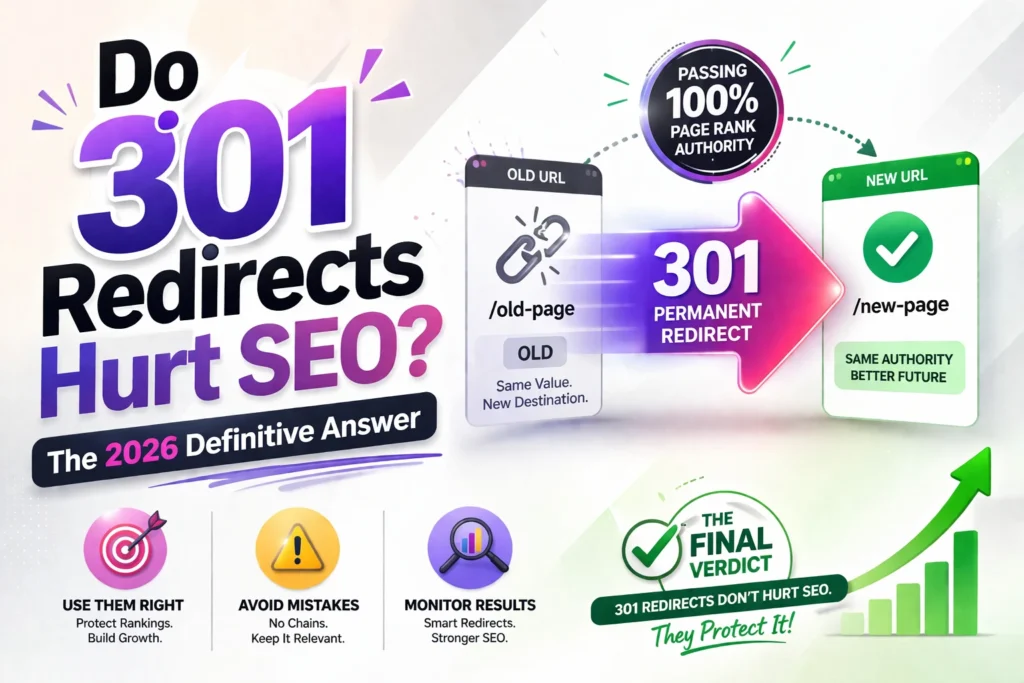
In the early days of SEO, there was a myth that a 301 redirect resulted in a 15% loss of “Link Juice” (PageRank). However, Google’s engineers have confirmed that 301 redirects now pass 100% of PageRank authority.
While 301 redirects are essential for maintaining a site, if handled poorly, they can lead to traffic drops. Here is how to use them without hurting your SEO.
1. What is a 301 Redirect?
A 301 redirect is a permanent instruction that tells a browser (and search engines) that a page has moved to a new location forever.
The Logic:
When a search engine sees a 301, it removes the old URL from its index and replaces it with the new one, transferring all the ranking power to the new destination.
2. When 301 Redirects Actually Help Your SEO
Redirects aren’t just for fixing broken links; they are a powerful tool for growth:
- Merging Content: If you have two weak articles on a similar topic, 301-redirecting the weaker one into the stronger one can create a “Power Page” that ranks higher.
- Site Migrations: Moving from HTTP to HTTPS or changing domains requires 301s to keep your hard-earned authority.
- Platform Changes: If you realize that your current CMS isn’t scaling and decide to test if Squarespace is good for SEO (or move from it), 301s ensure you don’t start from zero.
3. How 301 Redirects Can Hurt SEO (The Mistakes)
While the 301 itself doesn’t hurt, these execution errors will:
A. Redirect Chains
A redirect chain occurs when URL A redirects to B, and B redirects to C.
- The Problem: Each “hop” slows down the page load speed and makes it harder for Google’s bot to follow.
- The Fix: Always redirect directly from A to C.
B. Irrelevant Redirects
If you redirect a page about “Blue Shoes” to a page about “Red Apples,” Google will likely treat it as a Soft 404. This means the link juice will not pass because the content isn’t relevant to the user’s original intent.
C. Slow Server Response
If your server takes too long to process the redirect, your Core Web Vitals score will drop. This is why a Technical SEO Audit Service usually starts by checking the .htaccess or server config files for bloat.
4. 301 vs. 302 Redirects: The Vital Difference
- 301 (Permanent): Tells Google, “The old page is gone. Pass the power to the new one.” Use this for SEO.
- 302 (Temporary): Tells Google, “We are just testing something. Keep the old page in the index.” Do not use this for permanent moves.
✅ The Final Verdict
301 redirects do not hurt SEO; they protect it. As long as you avoid chains, keep the redirects relevant, and monitor your site health through a regular SEO report, they are your best friend during any website transition.
❓ FAQ: Redirects and Ranking
Q: How long should I keep a 301 redirect in place?
A: Google recommends keeping them for at least one year, but for SEO purposes, you should ideally keep them forever (as long as the domain is active).
Q: Can I redirect my images?
A: Yes. If you change your image directory but want to keep the traffic from Google Images, 301s are necessary. Make sure you follow the rules on how to name images for SEO before you finalize the new URLs.
Q: Will my traffic drop immediately after a 301?
A: You might see a slight fluctuation for 1–2 weeks while Google re-indexes the new URL, but it should stabilize quickly if the content is the same.

