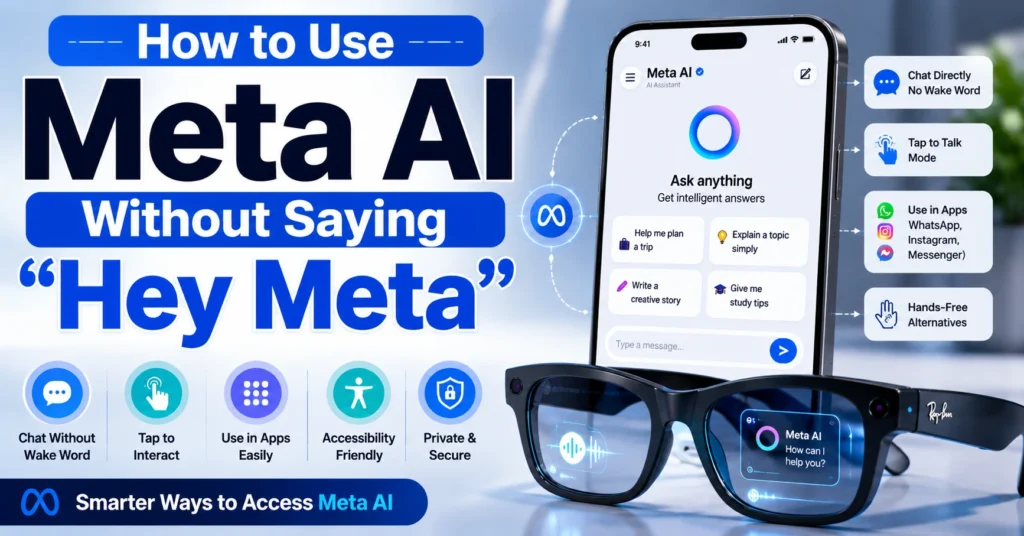
Have you ever wanted to use Meta AI but didn’t want to say “Hey Meta” every time? You’re not alone.
Many users prefer tapping a button, opening a chat, or using shortcuts instead of relying on voice activation. If you’ve been searching for how to use Meta AI without saying Hey Meta, the good news is that several methods may allow you to interact with Meta AI depending on the device and app you’re using.
This guide explains the available options, practical use cases, and tips for getting the most from Meta AI.
Can You Use Meta AI Without Saying Hey Meta?
In many situations, yes.
The wake phrase “Hey Meta” is primarily designed for hands-free voice interactions. However, Meta AI is also available through text chats, buttons, and app integrations that don’t require the wake word.
The exact options depend on whether you’re using:
- Facebook Messenger
- Meta AI website or app
- Meta smart glasses
This flexibility is why many people search for how to use Meta AI without saying Hey Meta.
Method 1: Use Meta AI Through Chat
The simplest option is opening a conversation with Meta AI.
Instead of speaking a wake phrase, you can:
- Open the supported Meta app.
- Start or open a Meta AI chat.
- Type your question.
- Send the message.
This works well when you’re in a public place or don’t want to use voice commands.
Method 2: Tap the Meta AI Icon
Many Meta apps include a dedicated AI button.
Look for:
- Search bar AI icons
- Floating AI buttons
- Chat assistant shortcuts
Tapping these controls often launches Meta AI directly without requiring “Hey Meta.”
Method 3: Use Meta AI in WhatsApp
Meta AI has expanded into WhatsApp in many regions.
You can often:
- Open a Meta AI conversation
- Type requests directly
- Ask questions
- Generate ideas
- Get recommendations
No voice wake phrase is required when using text chat.
Method 4: Use Smart Glasses Controls
For Meta smart glasses, voice activation is common, but some models support physical controls.
Depending on your device version, you may be able to:
- Tap the frame
- Use gesture controls
- Access AI through companion apps
This can reduce the need to repeatedly say the wake phrase.
Why Users Want to Avoid Saying “Hey Meta”
There are several reasons people look for how to use Meta AI without saying Hey Meta.
Privacy
Some users feel more comfortable typing requests than speaking them aloud.
Convenience
In quiet environments, typing may be easier.
Accessibility
Alternative input methods can help users with speech-related limitations.
Public Settings
Voice commands aren’t always practical in offices, classrooms, or public transportation.
Tips for Using Meta AI More Efficiently
To get better results:
- Ask clear questions
- Provide context
- Use follow-up prompts
- Save useful conversations
- Experiment with different input methods
These habits often improve the quality of responses regardless of how you access Meta AI.
How Meta AI Compares to Other AI Assistants
Meta AI isn’t the only assistant offering multiple interaction methods.
Many AI systems now support:
- Voice commands
- Text chat
- App integrations
- Search-based interactions
If you’re interested in broader AI tools, our guide on What Are the Best AI Search Monitoring Tools can help you explore how AI is changing online search.
What Are the Best AI Search Monitoring Tools
You may also enjoy:
- How to Make an AI
- How Does AI Visual Search Work
- Can Claude Generate Images
- What Are the Best AI Search Optimization Tools
Common Limitations
While there are multiple ways to access Meta AI, some features may still require voice activation depending on:
- Device model
- App version
- Country availability
- Feature rollout status
Meta frequently updates its AI products, so capabilities may change over time.
Meta’s official resources are the best place to check for the latest feature availability:
FAQ
Can I completely disable the “Hey Meta” wake phrase?
This depends on the device and software version. Some products allow wake-word settings to be adjusted, while others require it for voice activation.
Can I use Meta AI only through typing?
Yes. In supported apps, text-based conversations often work without any voice command.
Does Meta AI work in WhatsApp?
Meta AI is available in WhatsApp in many regions, though availability varies by country.
Is typing to Meta AI as effective as speaking?
Generally, yes. The quality of the response depends more on the prompt than whether it is typed or spoken.
Conclusion
If you’re wondering how to use Meta AI without saying Hey Meta, several alternatives may be available. Depending on your device and app, you can often access Meta AI through text chats, buttons, shortcuts, or touch controls instead of voice activation.
For most users, opening a Meta AI chat and typing questions is the easiest solution. As Meta continues expanding its AI ecosystem, additional hands-free and non-voice options are likely to become available, giving users more flexibility in how they interact with the assistant.